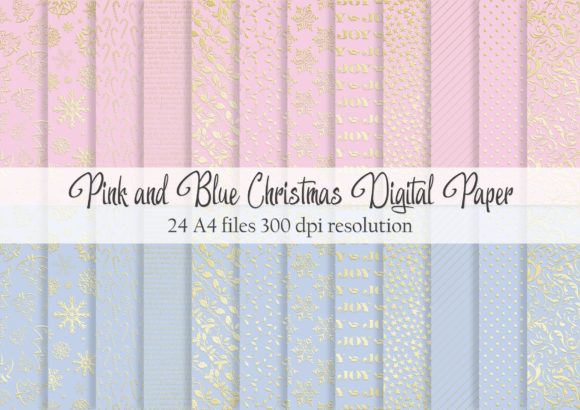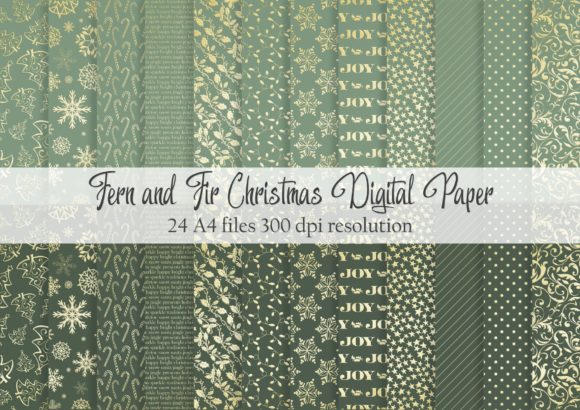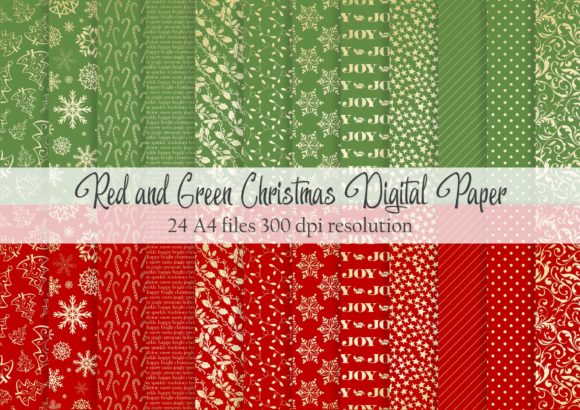
Snowflake Digital Paper: 12 Vintage Christmas Designs for Creatives and Small Businesses
It happens every November. You are staring at a blank card, a plain product package, or a messy journal spread, and the clock is ticking. You want something that feels warm, nostalgic, and distinctly Christmas, but you do not have hours to hunt for the perfect vintage texture or design. That is where a high-quality digital asset pack shifts from a nice-to-have to a serious productivity tool. When you download Snowflake Digital Paper, you are not just getting 12 pretty backgrounds. You are getting a ready-to-use foundation for a dozen different projects, all built around the quiet elegance of winter and the classic charm of vintage paper goods.
What Snowflake Digital Paper Actually Offers
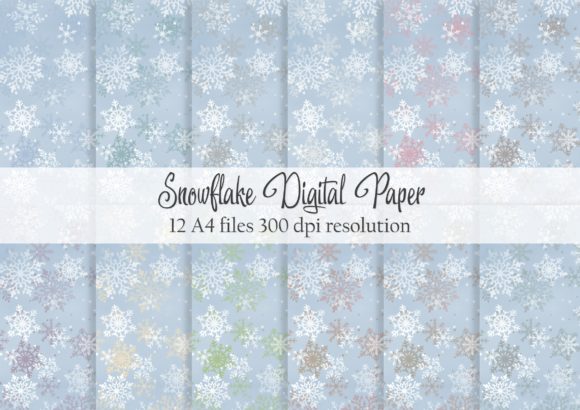
Let us talk specifics. This set includes 12 A4-sized JPG files saved at 300 dpi. That technical detail matters because it means you can physically print these backgrounds without losing sharpness or getting that blurry, pixelated look. Each sheet carries a subtle color variation, from soft icy blues to warm faded ivories. Most importantly, a faded vintage effect runs through the entire collection. This is not about bright, modern, vector-perfect snowflakes. It is about designs that already look like they have lived inside a cherished Christmas book for decades. The muted tones and gentle wear make them feel authentic, not artificial.
How Small Business Owners and Etsy Sellers Save Time
If you run a small creative business, you know packaging is part of the product. Creating cohesive, attractive displays for holiday markets or shipped orders takes serious effort. Using Snowflake Digital Paper as wrapping, inserts, or backing cards instantly elevates your presentation without requiring custom printing services. Print a few sheets to line gift boxes, use them as backdrop mats for handmade ornaments, or cut them into tags with custom pricing.
Consider a seller who makes artisan soaps. A bar wrapped in brown kraft paper is fine. A bar wrapped in kraft paper with a band of this vintage digital paper feels like a premium gift. For product photographers, these sheets solve a common headache: finding flat, attractive, shallow depth-of-field backgrounds that do not distract. Lay a candle or a ceramic mug on one of these 300 dpi prints, and you have a professional-grade photo set in seconds. The subtle color variations mean you can match the background to the specific product tone without endless editing.
Commercial Projects That Benefit from Vintage Digital Papers
- Holiday Market Displays: Use printed sheets as table runners or backdrop panels.
- Gift Tags and Labels: Print directly onto sticker paper or cut and glue onto kraft tags.
- Product Photography: Create a consistent flat lay aesthetic for your entire shop feed.
- Thank You Cards: Include a small printed card in every order to encourage repeat customers.
Bloggers, Marketers, and Content Creators Building a Cohesive Look
Consistency is the holy grail for online content. Your Instagram feed, your Pinterest graphics, and your blog headers all need to feel like they belong together. When you plan Christmas content, grabbing random stock photos often leads to a mismatched aesthetic. With a dedicated set like this, you control the look entirely.
Let us say you are creating a Pinterest graphic for "10 Homemade Gift Ideas." Instead of a generic red background, you use one of the faded vintage snowflake papers. The text pops against the muted background, and the design instantly communicates a cozy, handmade vibe. For Instagram Stories, you can pull these JPGs into Canva or Photoshop, overlay text, and push out posts that look intentionally designed, not thrown together. The 300 dpi resolution also helps if you are creating printable lead magnets or opt-in freebies for your audience. You maintain brand unity while saving hours of design time.
Scrapbookers and Card Makers Getting the Layers Right
This audience knows that texture and layers are everything. A single card face looks flat with just one piece of paper. But when you mat a white photo border onto one of these vintage snowflake prints and then onto dark green cardstock, you get depth. The faded effect on Snowflake Digital Paper works perfectly as a secondary layer because it does not scream for attention; it supports the main focal point.
For scrapbookers documenting a "Christmas at Home" layout, these 12 A4 sheets provide the entire color palette for the spread. Use one sheet as the full-page background. Cut another into a 4x6 photo mat. Use a third for your journaling block. Because they are all cohesively designed, your page looks thoughtfully curated in under an hour.
Let us not forget card making. You can print these at home, trim them down to A5, fold them, and have a set of 12 unique cards in minutes. The vintage effect means they do not look like cheap computer printouts. They look like something you found in a boutique stationery shop. Add a simple white gel pen drawing or a stamped silhouette of a tree on top, and you have a handmade card that feels professional and deeply personal.
Ways to Use Digital Papers in Physical Crafting
- Matting Photos: Use the subtle patterns behind standard 4x6 prints.
- Decorative Envelopes: Line plain envelopes with a trimmed sheet for a surprise inside.
- Collage Elements: Cut out specific snowflake motifs and decoupage them onto other surfaces.
- Gift Box Inserts: Line the bottom of a gift box for an elegant reveal.
Educators and Community Organizers Stretching the Budget
Teachers and volunteers usually print on a tight budget with limited supplies. Creating an engaging classroom environment during December often means relying on the same tired construction paper. Having a digital file set like this opens up new options. You can print one sheet to create a banner for the classroom door. Use another for a December newsletter background. The physical quality of 300 dpi printing on standard inkjet or laser paper is perfectly serviceable, but if you can print on slightly heavier matte paper, the vintage effect looks even better.
For parent volunteers helping with a Christmas party, these papers can create uniform placemats, treat bag toppers, or bingo cards. It provides a cohesive visual theme without requiring any graphic design experience. The subtle color variations mean you can assign different tables or stations different paper backgrounds, helping with organization while keeping everything visually unified.
Journaling Enthusiasts Looking for Intentional Decoration
The bullet journal and traveler's notebook community loves functional decoration. A weekly spread at the end of December should not distract from tasks, but it should feel seasonal. These digital papers are ideal for gluing in as cover pages for a new winter journal or as background pockets. You can print them as-is or resize them to fit a smaller notebook insert.
The faded ink effect is particularly useful in this context. If you glue a sheet into your journal, you can still write over the lighter areas with a fine-tip pen. The snowflakes frame your entries without overwhelming your handwriting. This is the difference between a beautifully decorated journal and a cluttered one. You get the festive atmosphere without sacrificing the practicality of your daily logs.
What to Consider Before You Download and Print
Since Snowflake Digital Paper is formatted for A4 at 300 DPI, they are optimized for standard printing. If you are in the US and using Letter size, remember you will need to select "Fit to Page" or "Shrink to Fit" in your printer settings, or trim the edges. The JPG format is universally accepted in design software like Canva, Photoshop, and Word, as well as mobile apps, making them a versatile choice for users of varying technical comfort levels.
Before using these in commercial products, always check the license terms provided by the seller. Some sets allow you to use them in physical products for sale, like greeting cards you sell on Etsy, while others restrict use to personal projects. Knowing this upfront protects your small business from any legal issues down the line. Also, consider the paper stock you print on. A heavy matte cardstock enhances the vintage feel, while glossy paper might make the faded effect look less authentic.
Making the Most of Seasonal Digital Assets
A digital paper pack is a shortcut, but not in a bad way. It is a shortcut to a consistent aesthetic, a shortcut to high-quality printing specs without the search, and a shortcut to a vintage look that is notoriously hard to replicate from scratch. Whether you are wrapping up a client gift, designing your holiday content calendar, or simply sitting down to craft for the joy of it, having 12 coordinated designs ready to go makes the entire process smoother. You get to focus on the actual creating, while the digital papers handle the heavy lifting of the visual foundation. When the holiday rush hits, having resources like this on hand means you spend less time designing backgrounds and more time connecting with the people who receive your work.